UPGRADER
Using skins as balance
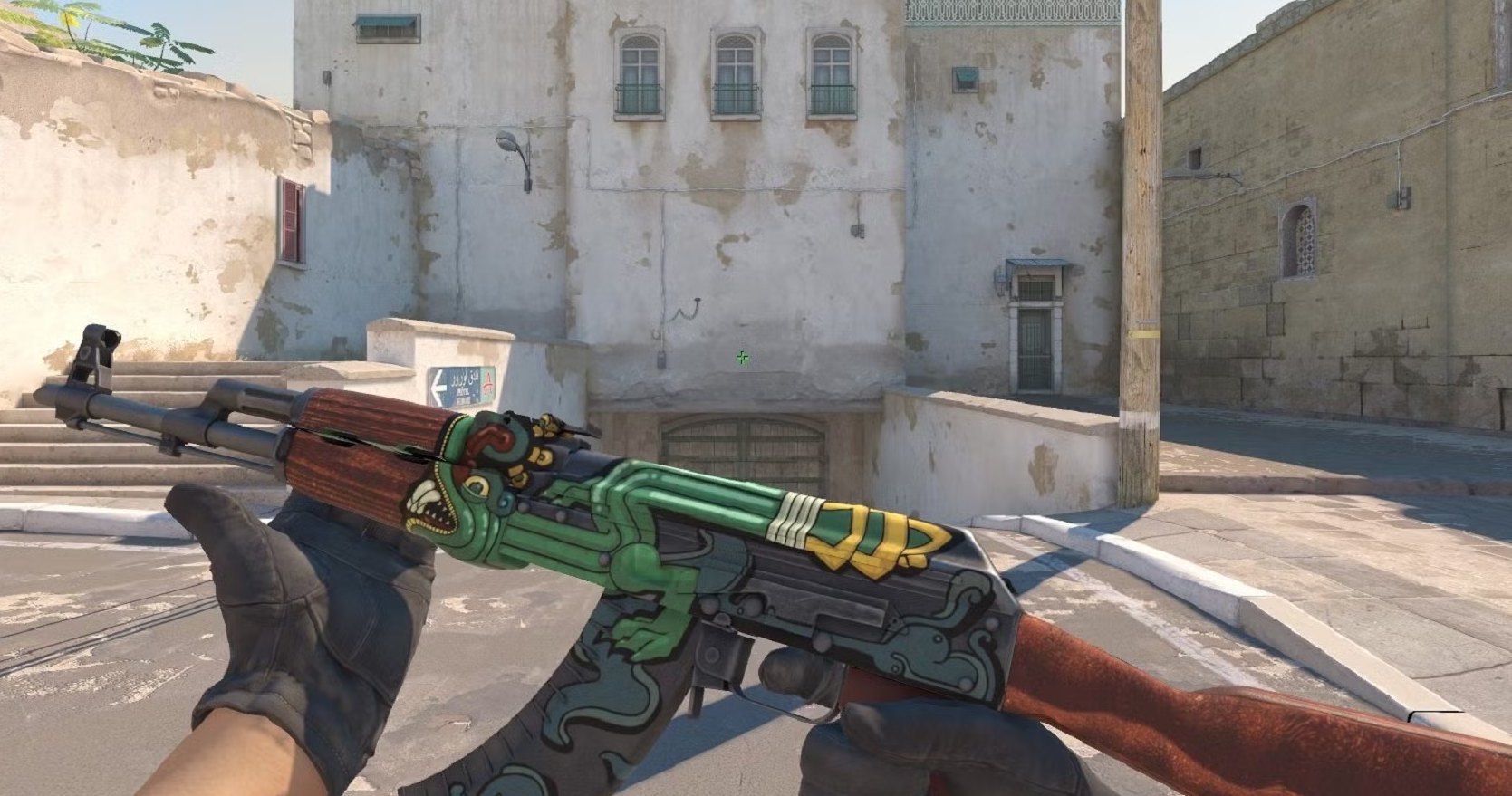
On Upgrader your skins don't necessarily have to be "sold" to be useful. You can bring them in directly as balance and start an upgrade toward a higher-value target skin. Your value stays inside the game ecosystem instead of taking the detour through an external sale. The full upgrade flow is explained on the home page.
Selling CS2 skins — routes and payout
If you really want to turn skins into balance or a payout, you have several options. The key is to always favor traceable processes and official Steam trades.
- Bring in as balance: deposit the skin, have the value credited, reuse it right away.
- Skin payout: get the value back as skins through a Steam trade.
- Check market value: compare the current price and float before every sale.
Buying CS2 skins and upgrading right away
Instead of buying a desired skin at a high price, many take the upgrade route: commit a cheaper skin or balance and work toward the item they want. The success chance is shown before you start, so you choose your stake deliberately. Related mechanic: the trade-up contract (Trade-Up), where ten skins are combined into one of higher value.
Steam trading and safety
Every serious skin trade goes through Steam. Watch these points so your inventory stays protected:
- Sign in only via Steam OpenID — your password stays with Valve.
- Never share your Trade-URL or API key publicly.
- Keep Steam Guard and mobile confirmation enabled.
- Always double-check a trade offer before confirming it.
Understanding price, float and value
A skin's value comes from several factors: rarity, demand, pattern and, above all, the float value that describes its condition. Two skins with the same name can have very different prices if their float diverges. A quick price comparison before every purchase, sale or upgrade protects you from misjudgments.
| Condition | Float range | Value tendency |
|---|---|---|
| Factory New | 0.00 – 0.07 | highest |
| Minimal Wear | 0.07 – 0.15 | high |
| Field-Tested | 0.15 – 0.38 | medium |
| Well-Worn / Battle-Scarred | 0.38 – 1.00 | lower |
Trade deliberately
Whether buying, selling or upgrading, treat skins for what they are: virtual items with a fluctuating value. Only commit what you are willing to give up and rely on traceable prices. Offers with an element of chance are intended exclusively for adults aged eighteen and over.