UPGRADER
What is a trade-up contract in CS2?
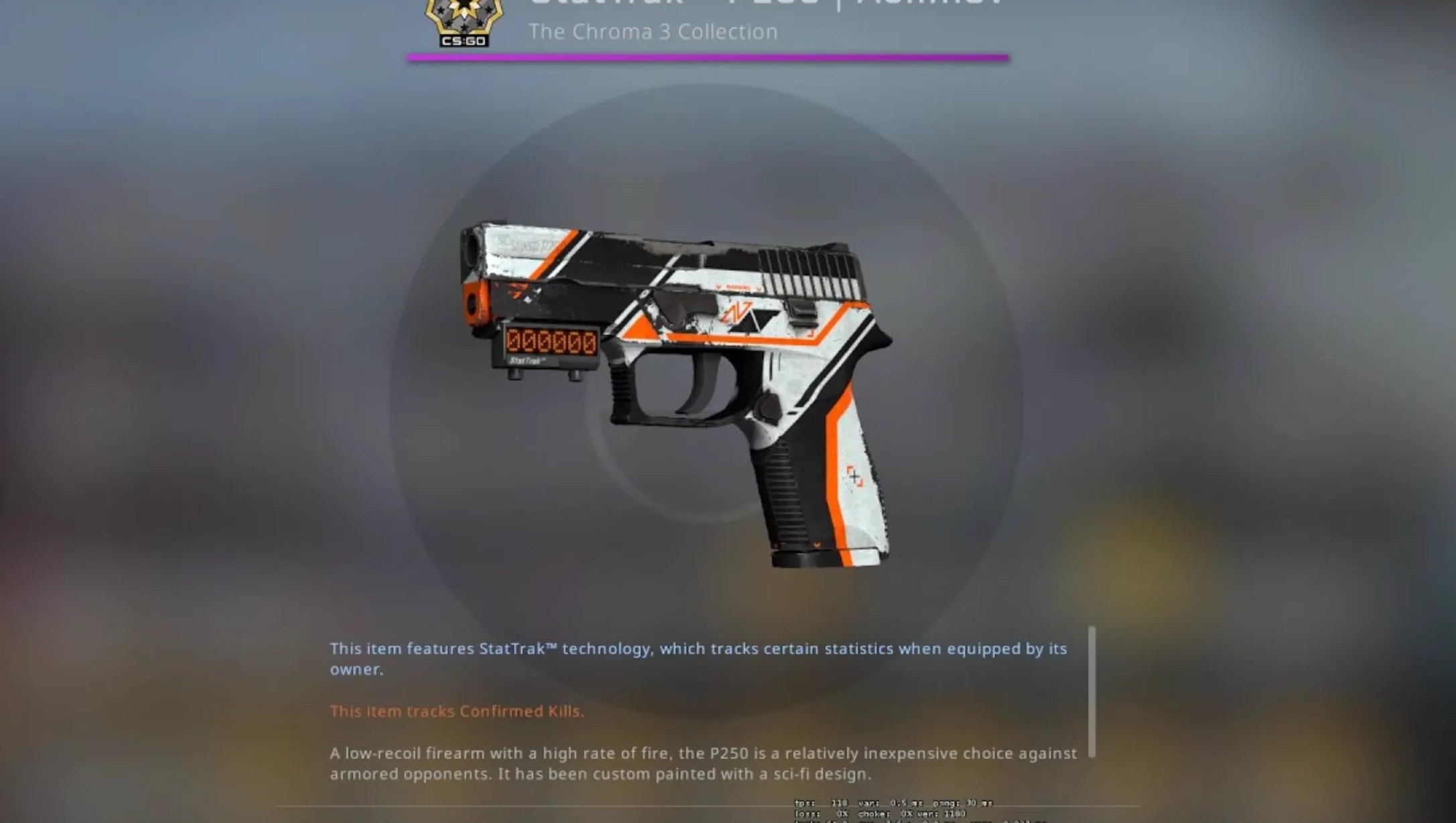
With the Trade-Up contract you hand in ten skins of the same rarity and receive a skin of the next rarity tier in return. Exactly which skin comes out depends on the collections used and the float values of your ten items. The contract is therefore not pure gambling without rules: rarity, collection and float together determine the possible outcome and its probability.
Trade up calculator: estimating your odds correctly
A trade up calculator (also called a "trade up simulator") saves you the manual math. You enter your ten input skins with their float values, and the tool shows the possible outcomes, their probability as a percentage and the expected average float of the result. That way you see, before you commit, whether a contract is statistically worthwhile or not.
- Input: 10 skins of the same rarity + their float values.
- Calculation: the possible output per collection and its chance as a percentage.
- Output float: the average float of your inputs determines the float of the result.
- Decision: you compare the staked value against the expected value — and choose deliberately.
Trade-Up or upgrade — what is the difference?
Both mechanics chase the same goal: turning existing skins into something of greater value. The difference lies in the path to get there.
| Criterion | Trade-up contract | Upgrade on Upgrader |
|---|---|---|
| Input | 10 skins of the same rarity | skins or balance of your choice |
| Result | one skin of the next rarity tier | a freely chosen target skin |
| Control | via collection & float | via multiplier & target choice |
| Chance visible | via the calculator in advance | shown before you start |
If you want to try the upgrade principle directly, the mechanic is explained in detail on the Upgrader home page.
Example: a simple trade-up
Suppose you commit ten Mil-Spec skins (blue) from one collection. The contract produces a Restricted skin (purple) from the same or a mixed collection. If the average float of your inputs is 0.15, the output will also fall more in the "Factory New"–"Minimal Wear" range. If you mix collections, the probability spreads across several possible outcomes — the calculator shows each variant with its percentage.
Float, probability and outcome
The float value describes a skin's wear from 0 (new) to 1 (heavily used). For the Trade-Up, the average of your ten inputs counts. The lower that average, the better the condition of the result. The probability of a given outcome depends on how many skins you use from which collection — which is why it always pays to check the trade up calculator before a contract.
Play deliberately, decide clearly
Trade-Ups and upgrades contain an element of chance. A calculator improves your estimate but guarantees no result. Only commit what you are willing to give up, set yourself clear limits and treat every contract as entertainment, not as a source of income. Offers of this kind are intended exclusively for adults aged eighteen and over.